Use the real as-built
Load the job map and mark the route, endpoints, codes, and quantities where the work happened.
Map Annotator
Crews mark the map once. Map Annotator keeps the field proof tied to the billing codes and gives the office organized quantities without retyping the job.
From marks to tally
The route draws first. Each code and quantity then appears in the office tally. Submit the annotations and the job becomes ready to review.
Scroll to run the product flow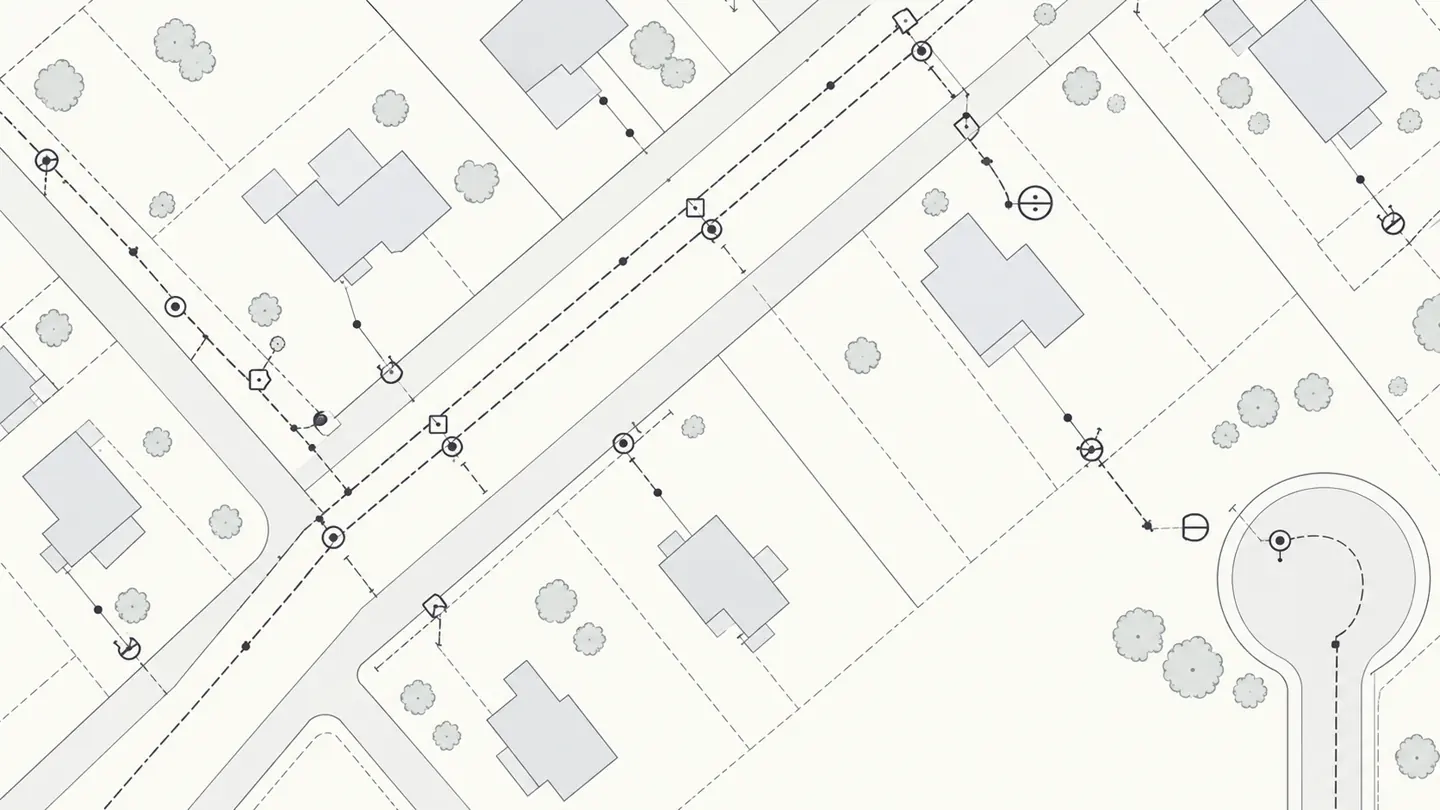
What changes
The marked map, billing codes, and quantities stay connected from the field through review. That removes the second round of typing that makes the invoice disagree with the as-built.
Load the job map and mark the route, endpoints, codes, and quantities where the work happened.
Use the same billing-code language in the field that the office uses on the invoice.
The quantity list follows the annotations, so the office can trace each total back to the map.
Organized callouts make the construction record easier to review than handwriting and scattered screenshots.
The crew submits the annotated map and the office receives a reviewable job record.
When the marks and quantities agree, the invoice can move forward without another hand count.
Start with the map
For contractors who need a clean way to turn marked as-builts into billing quantities now.
Add the operating layer when you want the map tied to assignments, statuses, and the complete job record.
Questions
It lets your crew mark billing codes and quantities directly on the as-built map, then gives the office an organized tally tied to those marks.
Yes. Map Annotator is a standalone software product. Job Tracker is an optional next step, not a requirement.
No. The original map stays as the job background. The software adds clear, traceable annotations on top of it.
Bring one representative map, the billing codes used on that work, and the way the office receives the completed as-built today.
See how Map Annotator handles your callouts, billing codes, quantities, and office review process.
Request a Demo